
Settings, notifications and privacy
Language, country, e-mails, notifications, quiet hours, exporting your data and deleting your account.
Choose your language and country, receive only what helps you, and stay in control of your data. Everything is in Settings, from your account menu.
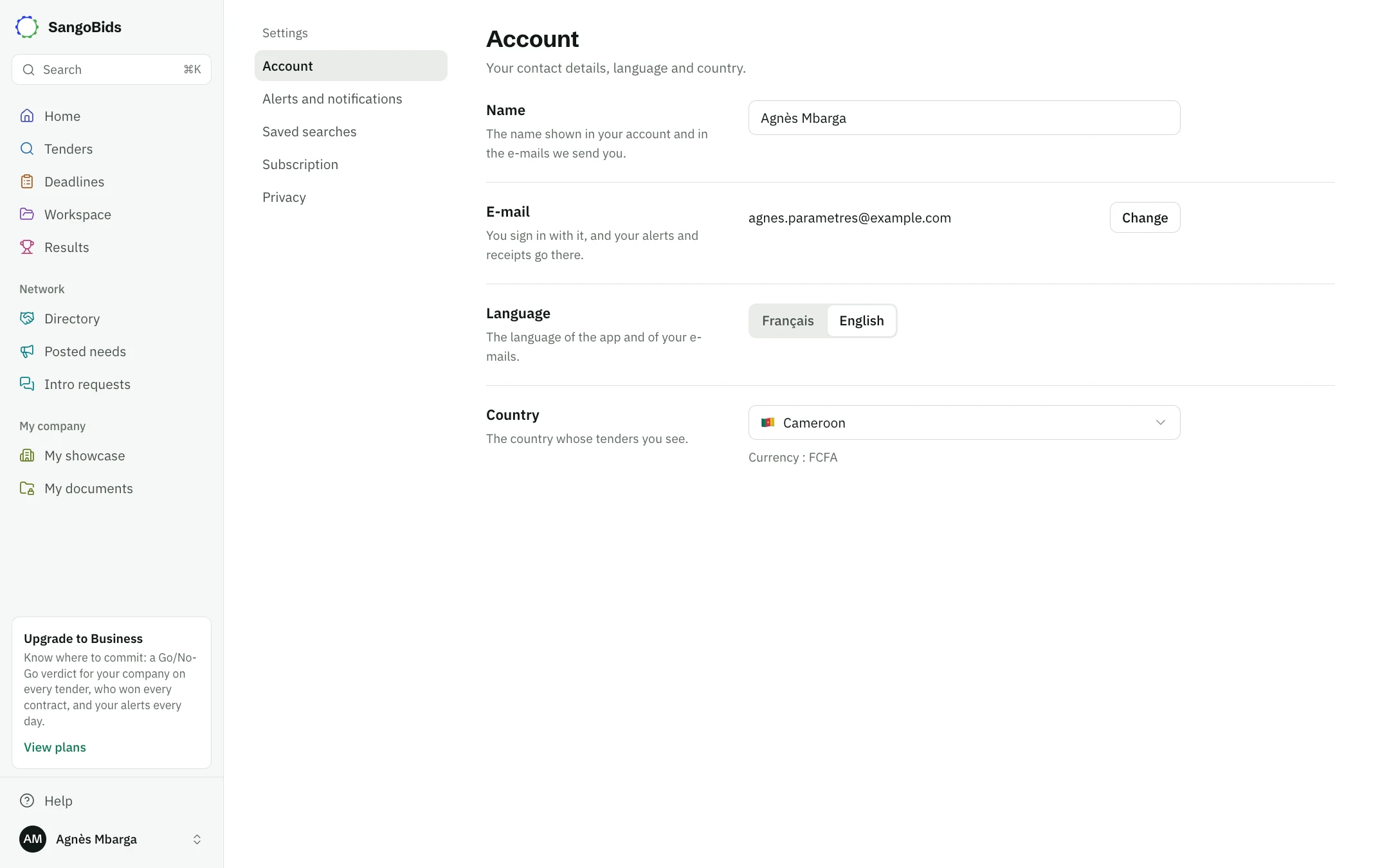
Account
Computer
- Name: the one on your account and in your e-mails.
- E-mail: Change sends a code to the new address. Your alerts and receipts go there.
- Language: French or English, for the app and your e-mails.
- Country: the country whose tenders you see. Your alerts, searches and currency follow it. The old country's regions are removed from your alerts.
Alerts and notifications
The Alerts and notifications page says what you receive, on which channel and how often.
What you watch
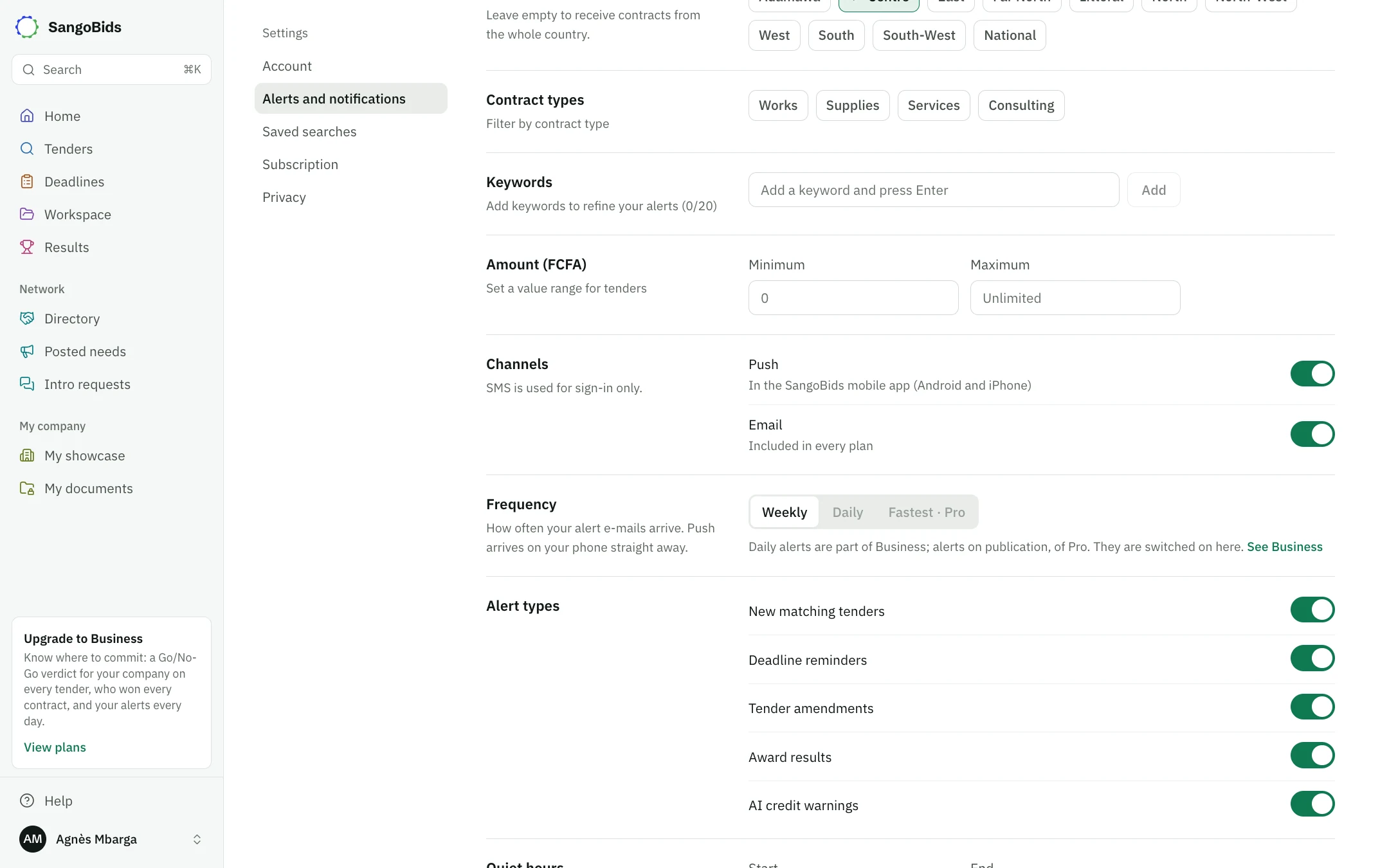
Up to 3 sectors, your regions, the contract type, keywords (20 maximum) and an amount. These choices form your "My tenders" search. See Alerts and saved searches.
Your channels
Email, included in every plan, and Push, in the mobile app. SMS is used for sign-in only.
The pace of your e-mails
Weekly on every plan, Daily from Business, Fastest with Pro. Push arrives on your phone right away.
Save
Changes count only after you Save, at the bottom of the page.
Computer
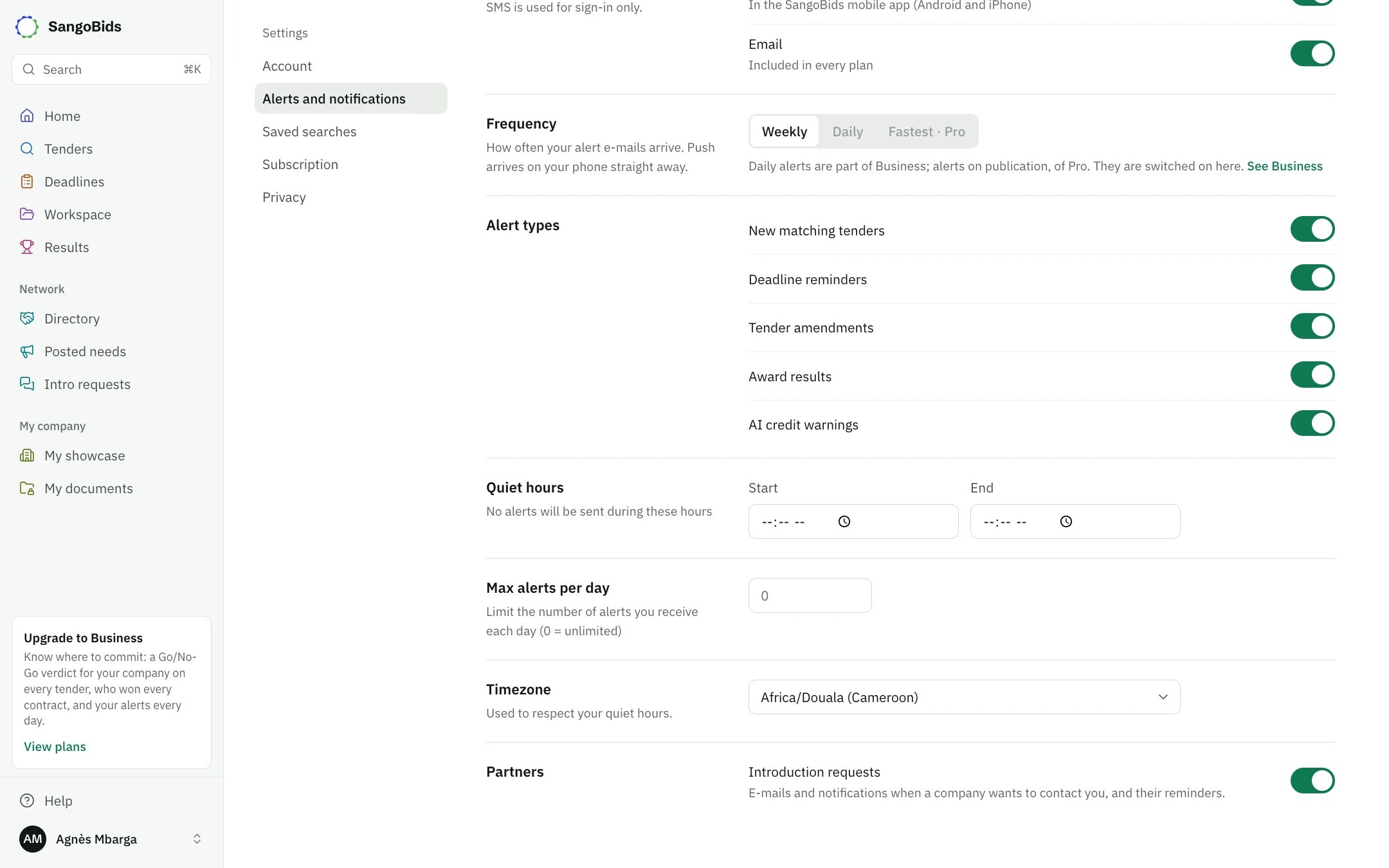
Alert types turns off what you do not need: new tenders, deadline reminders, changes, award results. Partners does the same for introduction requests.
Quiet hours and the daily limit
Computer
During Quiet hours, no alert is sent. Max alerts per day caps the number of alerts you receive (0 for no limit). The Timezone is used to respect those hours.
The morning message
Reminders are grouped into one morning message: tenders closing in 3 days or tomorrow, documents to renew, reminders you created. You receive only one, and only when something concerns you.
Privacy
Computer
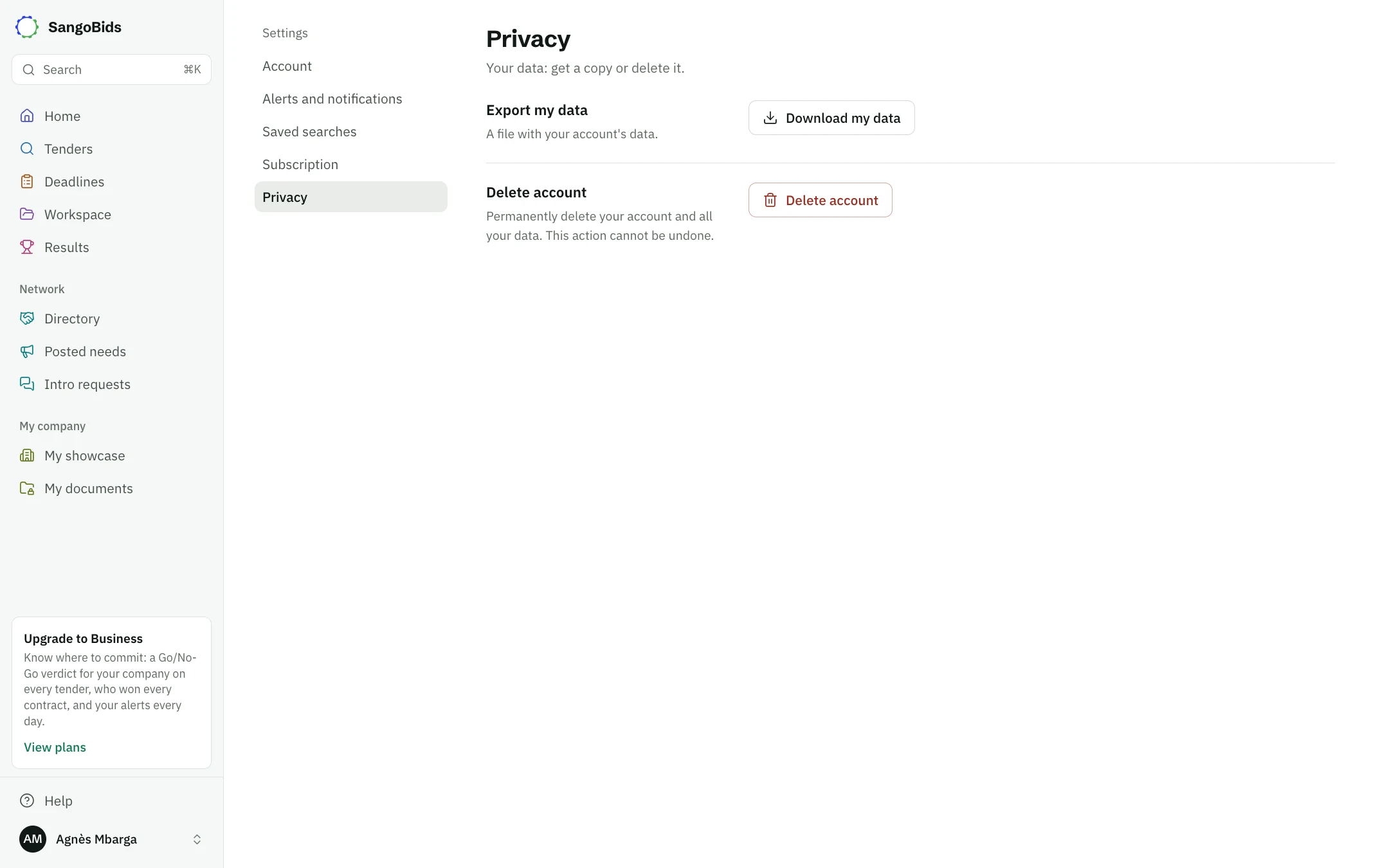
Download my data gives you a file with your account's data.
Delete account permanently erases the account and all your data. This cannot be undone. A subscription taken on the App Store or Google Play is stopped from the store: do that first.
What next
To change plan or stop paying, read Plans, payment and cancellation. To get notifications on your phone, install the app.
Read next
Ready to try?
The account is free and public tenders stay free. Three minutes is enough to receive the first ones.
Get started free