
Results and buyer pages
Who won what, for how much, and what a buyer publishes: to aim well before you bid.
Knowing who wins, at what price and with which buyer helps you aim well before you bid. SangoBids brings together published award decisions and each buyer's record.
See who won
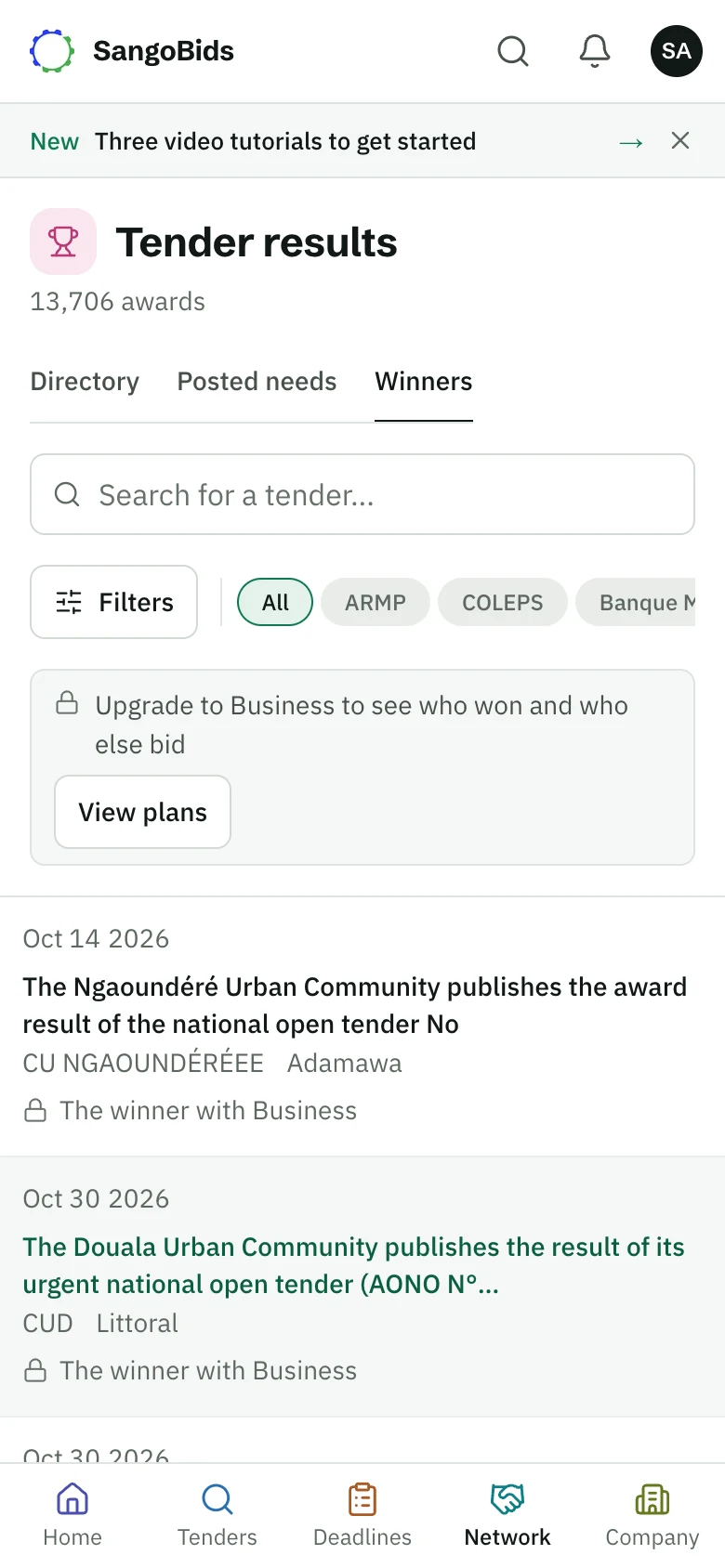
Open Results in the menu. Each row gives the date, the tender, the winner and the amount, when the buyer published them. Otherwise the column says "Not published".
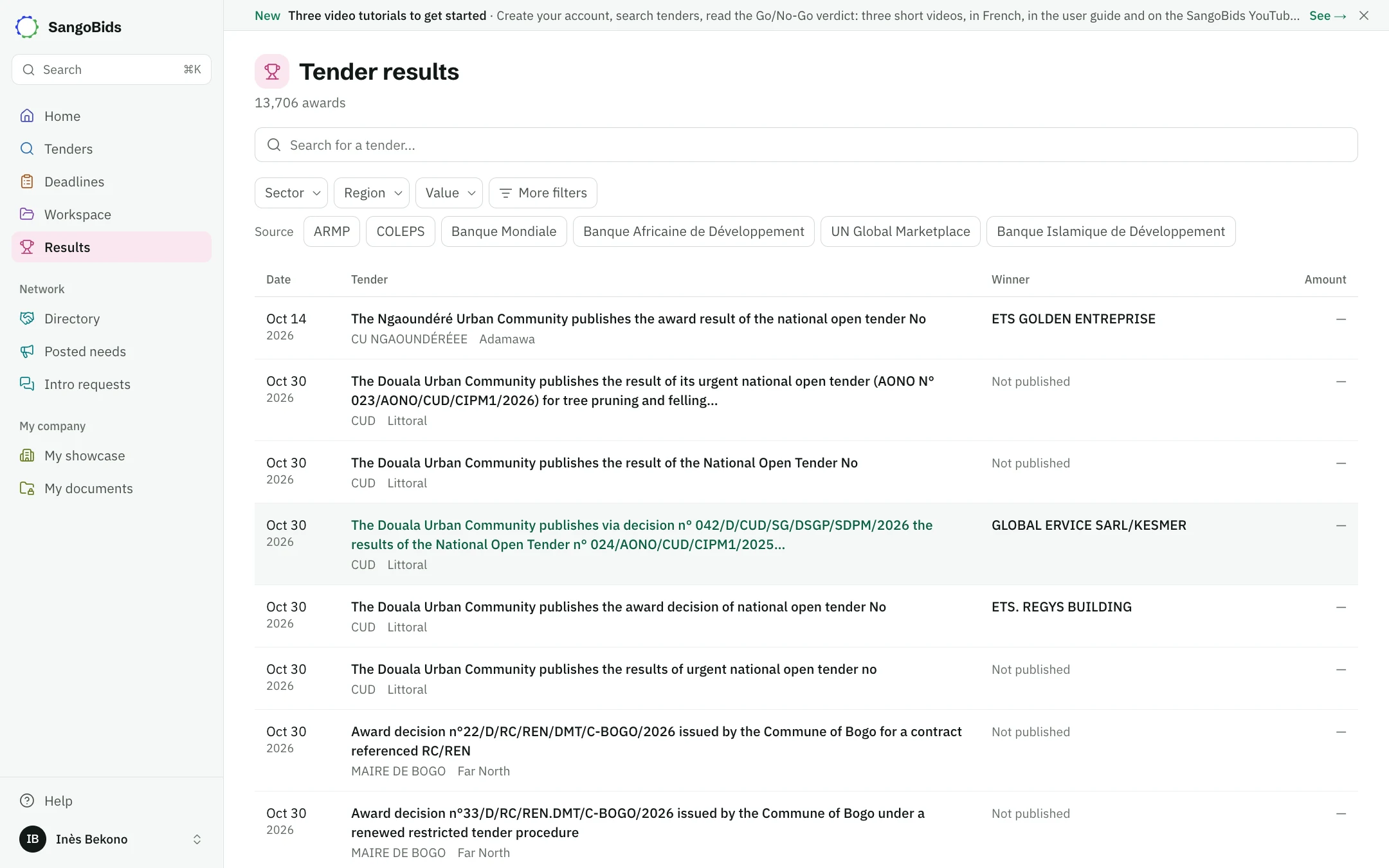
Computer
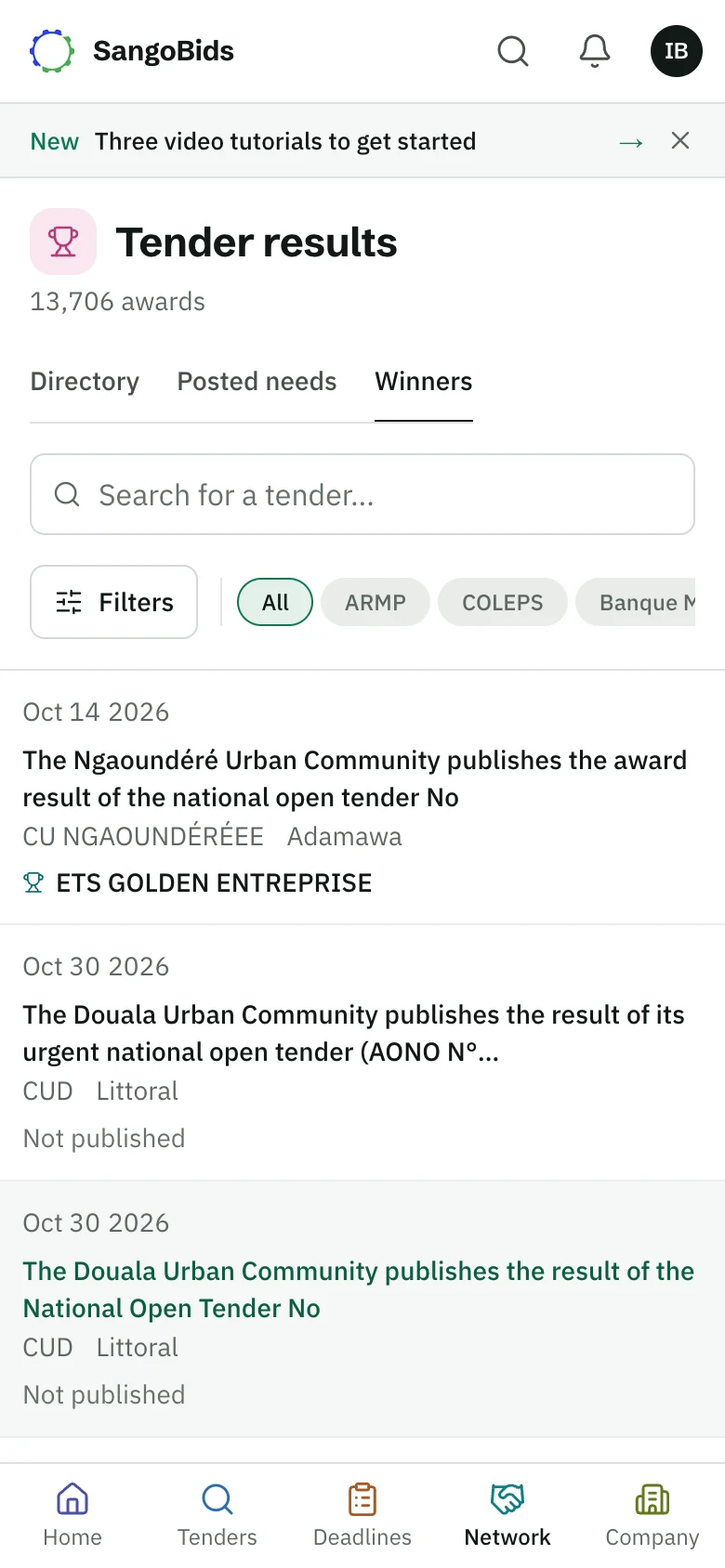
Phone
Search for a tender or a word
Type a keyword, then filter by sector, region or source.
Look at the orders of magnitude
When the country has enough verified awards, the top of the list gives the median amount and the median time to award. Show breakdown details the figures.
Open a result
The tender page details the award: the winner, the amount, the date and the number of bidders when published.
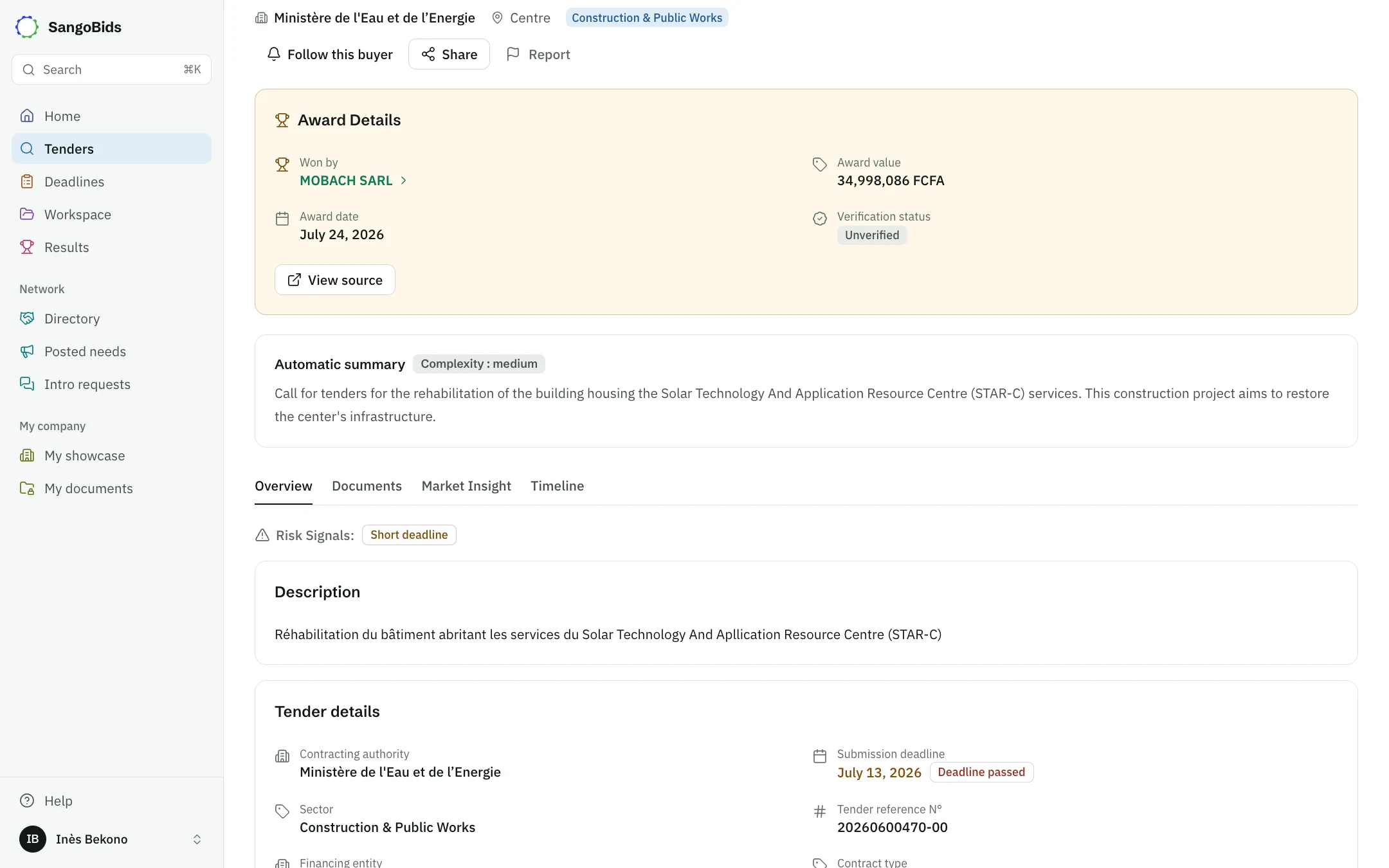
Computer
Get to know a buyer
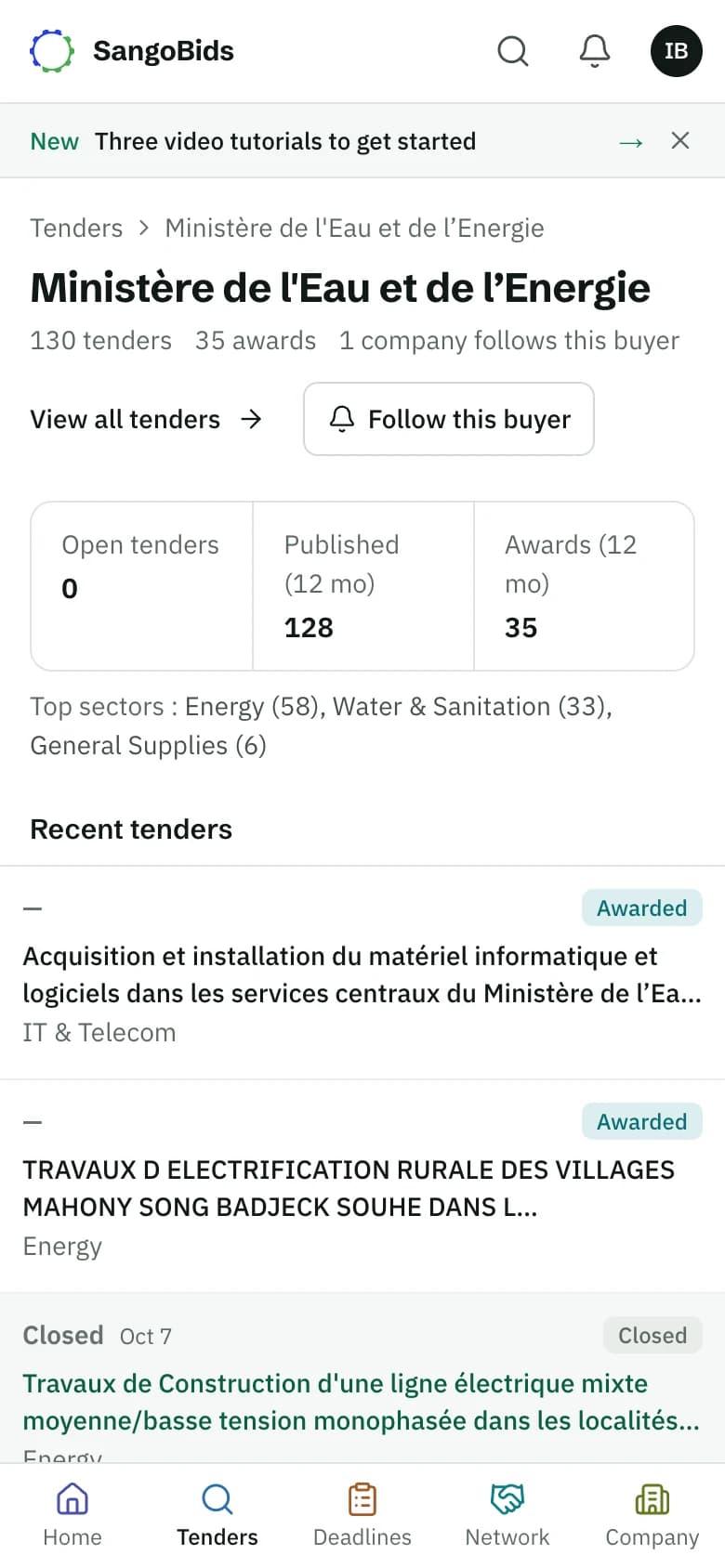
From a tender page, tap the buyer's name. Its page shows its activity: open tenders, published and awards over 12 months, its top sectors and its recent tenders.
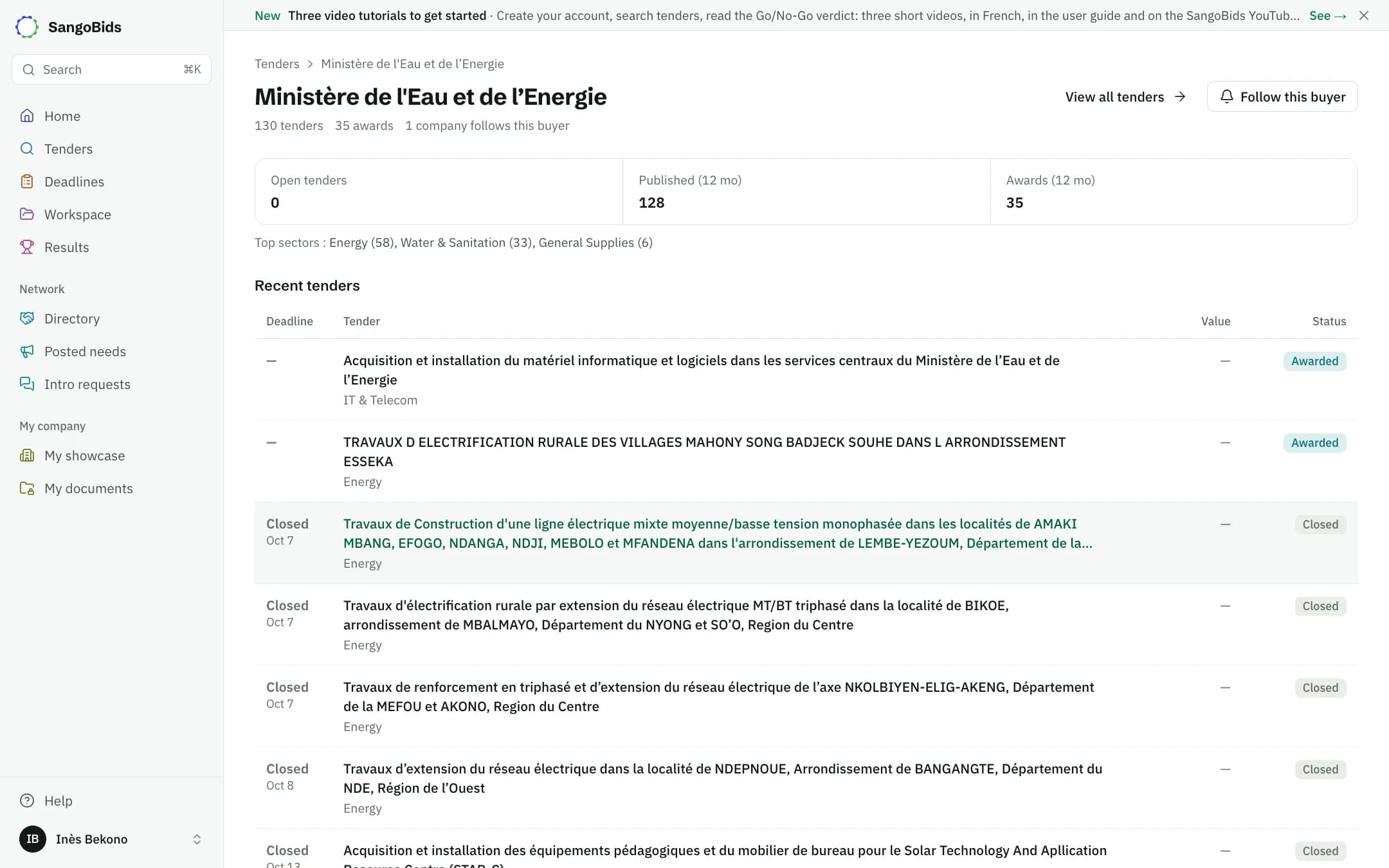
Computer
Phone
Follow a buyer or a competitor
Follow this buyer alerts you as soon as it publishes. On the Pro plan, the follow button on a winner's page tells you when a new tender awarded to it is published. That page also lists the public contracts it has won.
Phone
What this data does not say
It only holds what buyers publish: many decisions give neither an amount nor a name. The awarded amount does not tell you the real cost of the job either. Use it as a benchmark, not as a price to copy.
What next
The Go/No-Go verdict takes the market into account before advising you. Find a partner helps complete your file when a competitor alone seems out of reach.
Read next
Ready to try?
The account is free and public tenders stay free. Three minutes is enough to receive the first ones.
Get started free